One system for keys, lockers and weapons
LoxTop is a European electronic management system that brings together access, issue and registration. Users log in and only gain access to the keys, compartments or weapons for which they are authorised. You keep an overview of what is available, what has been taken and by whom.
Key positions, lockers and weapon modules can be combined. In a single cabinet, in linked cabinets or integrated into a custom solution.
European system · Stand-alone or networked · One-off lifetime software licence · 4-year hardware warranty
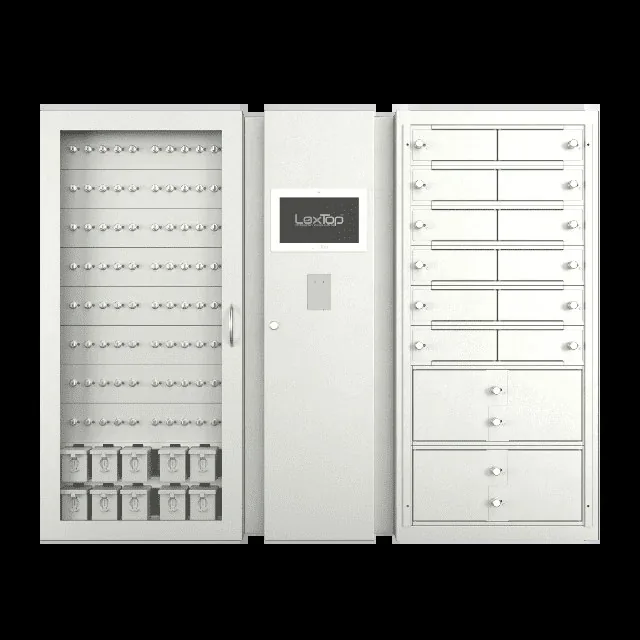
What does LoxTop do for your organisation?
LoxTop links access to a key, compartment or weapon to an identifiable user. The software checks the access rights and releases the selected position. The related actions are registered automatically.
For employees, this means simply logging in, choosing and taking. For the administrator, it means clear rights and an overview of the issue, without a separate paper register.
Together we tailor the arrangement to your daily operation: which objects you manage, who may use them and what physical security is required.
From logging in to returning
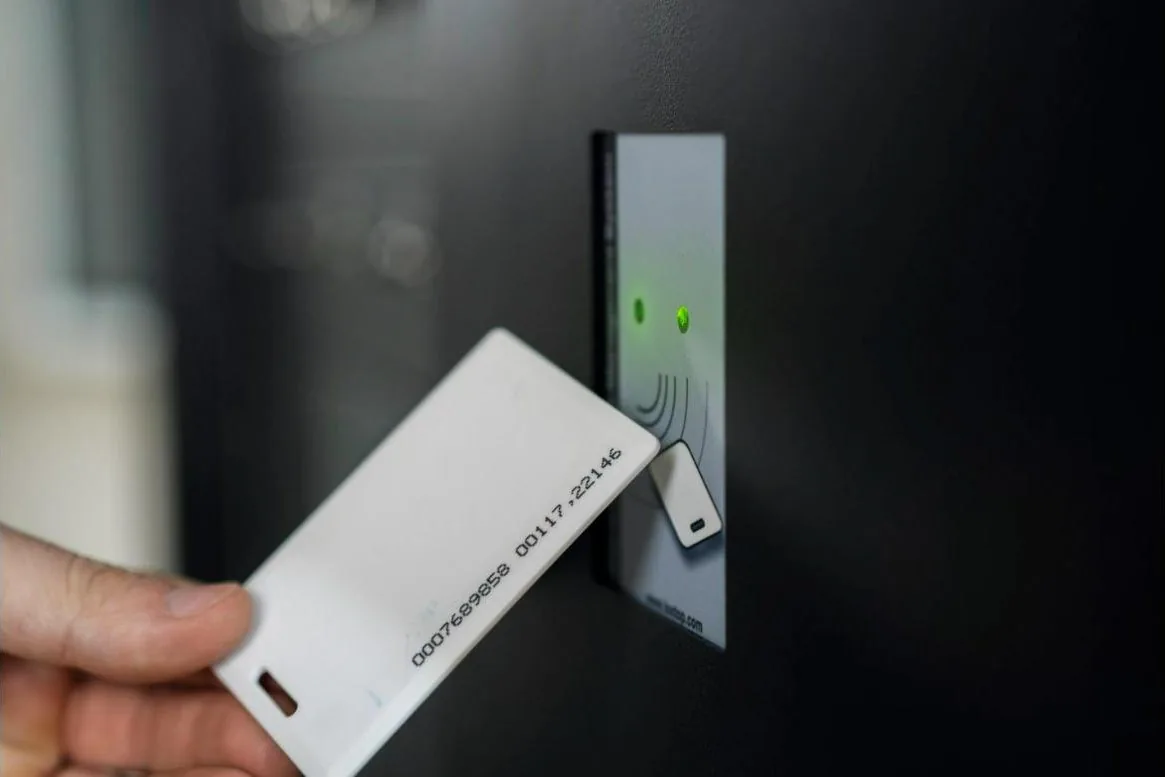
The user identifies themselves with a personal PIN code, RFID badge or optional fingerprint reader. A combination, such as badge and PIN code, is also possible. We check beforehand whether your existing staff badges can be used.
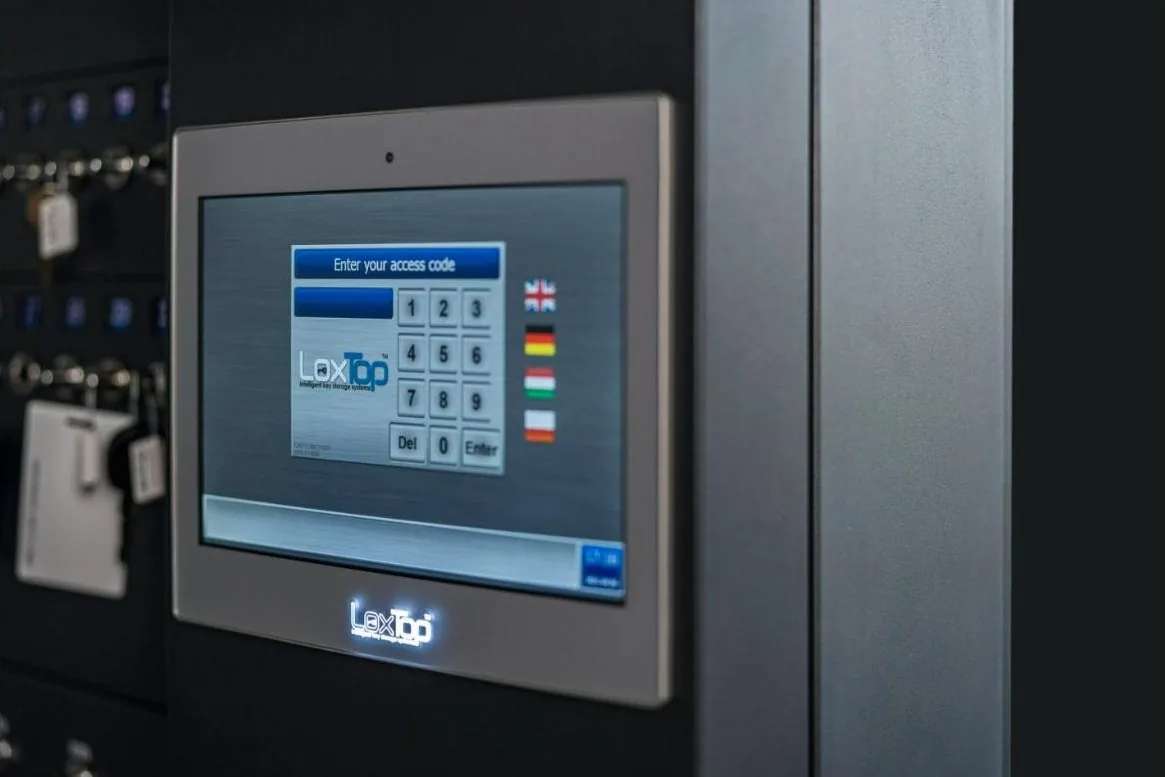
The touchscreen shows the permitted keys and positions, with their availability. The user selects what they need. If a key has been removed, the system can show who took it and when.
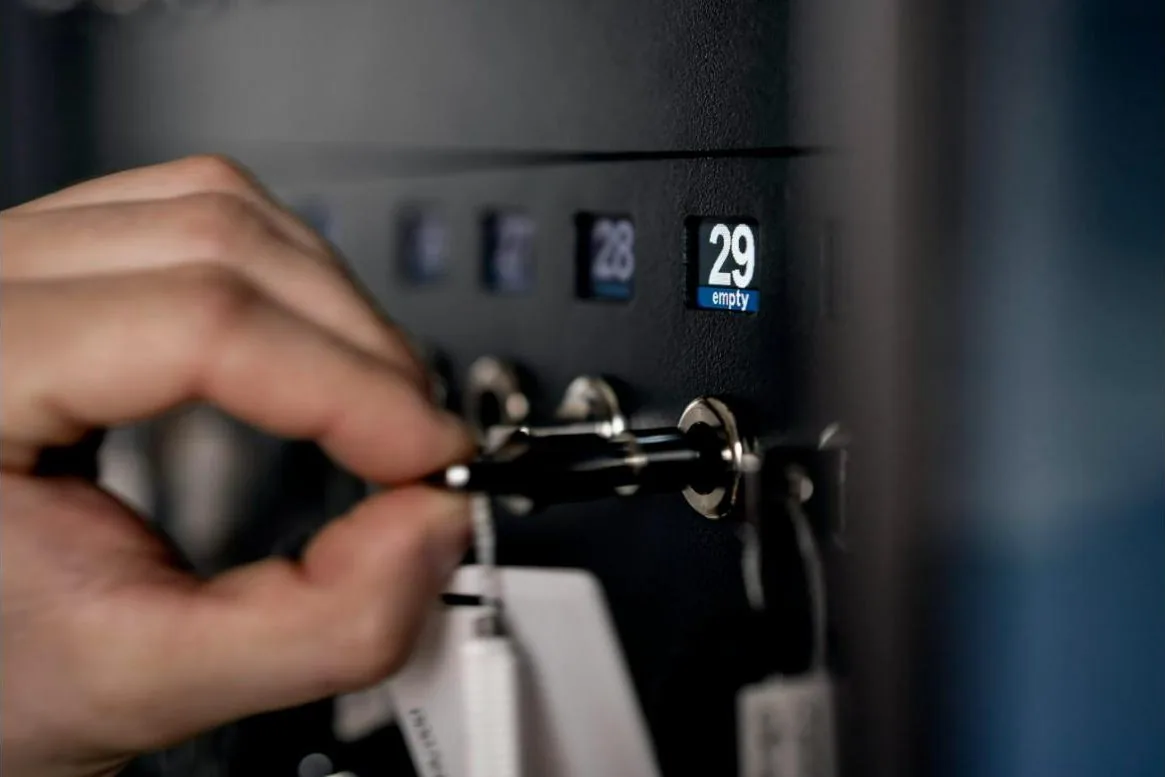
The selected key holder, cylinder position, locker or weapon lock is released. The other positions remain locked. The system links the action to the user and the time.
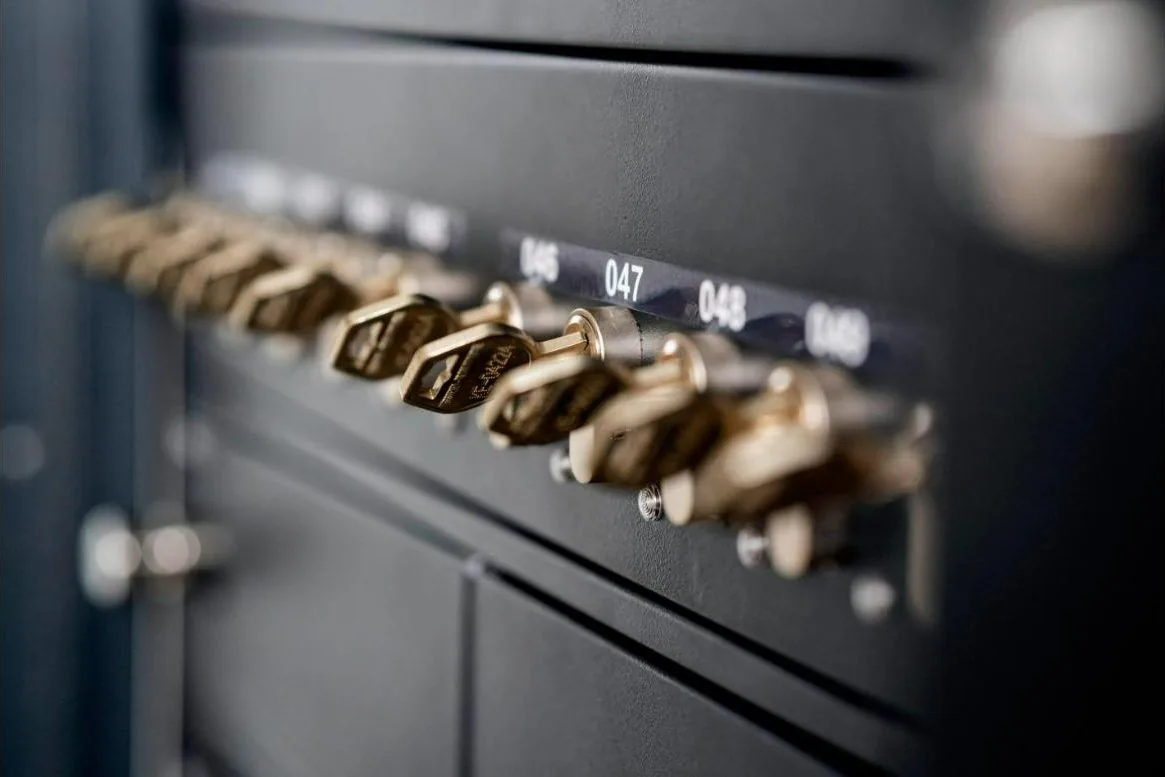
The key or holder is put back and registered again. For RFID holders, a fixed or free return position can be set. A cylinder position has a fixed return position. For lockers, recognition of the returned contents depends on the chosen version.
Different applications, the same management environment
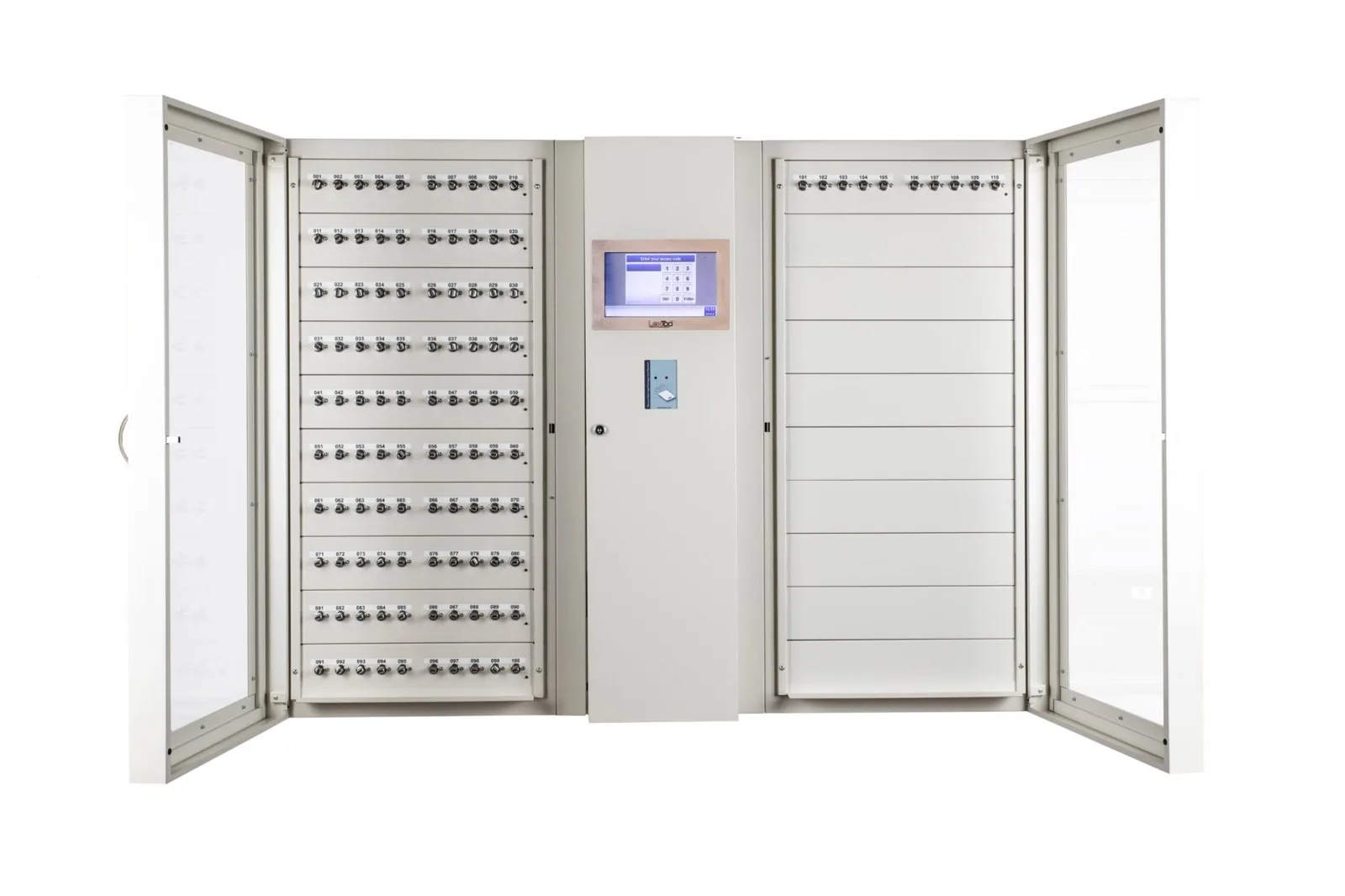
Key management
For building keys, vehicle keys and key bunches. Authorised employees collect their keys themselves. The administrator sees which keys are present and to whom the removed keys are assigned.
More about key management
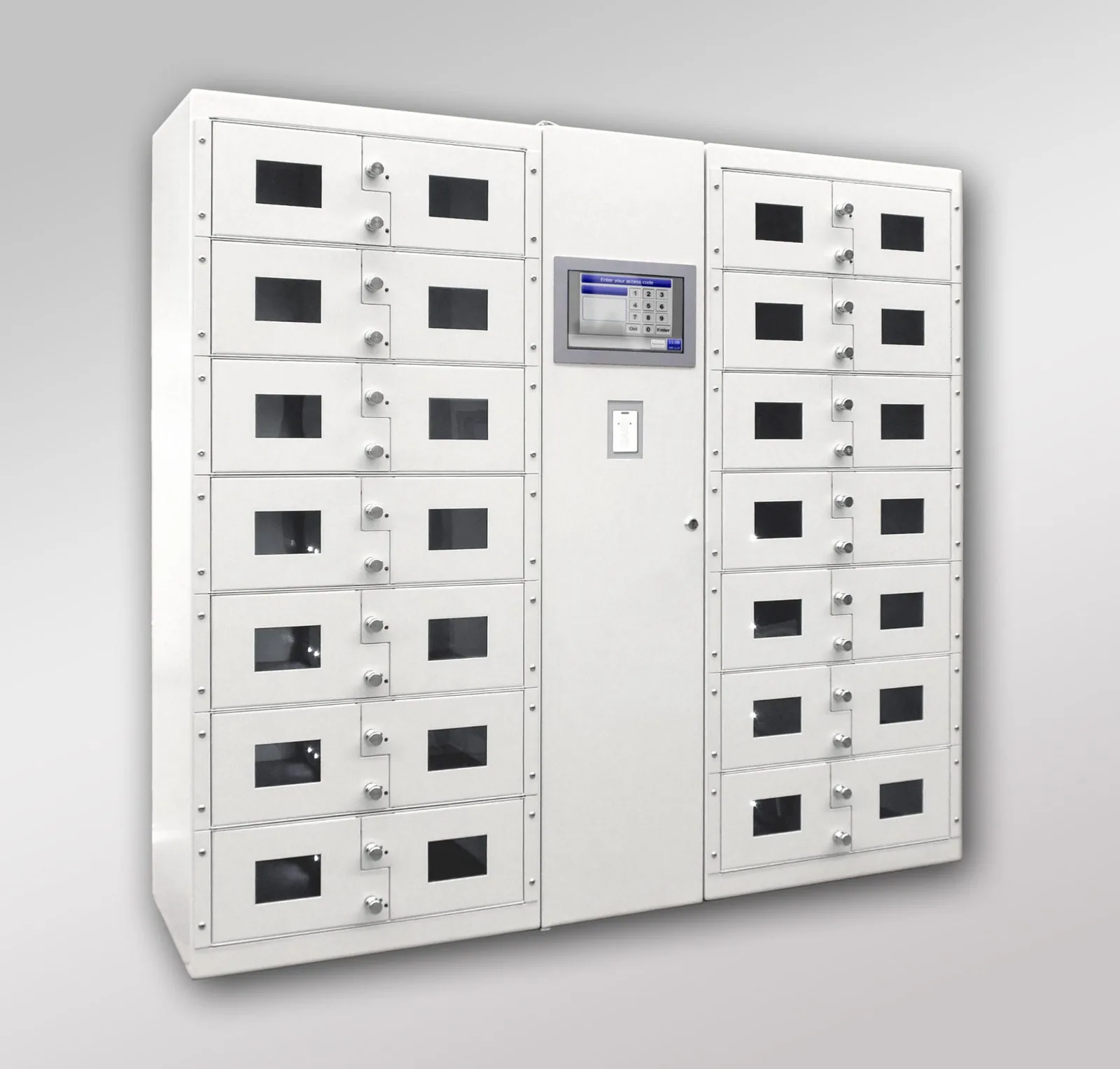
Electronic lockers
Separately locked compartments for radios, bodycams, tablets, documents and other equipment. Compartment sizes, charging facilities and optional RFID recognition of the contents are tailored to the application.
More about electronic lockers
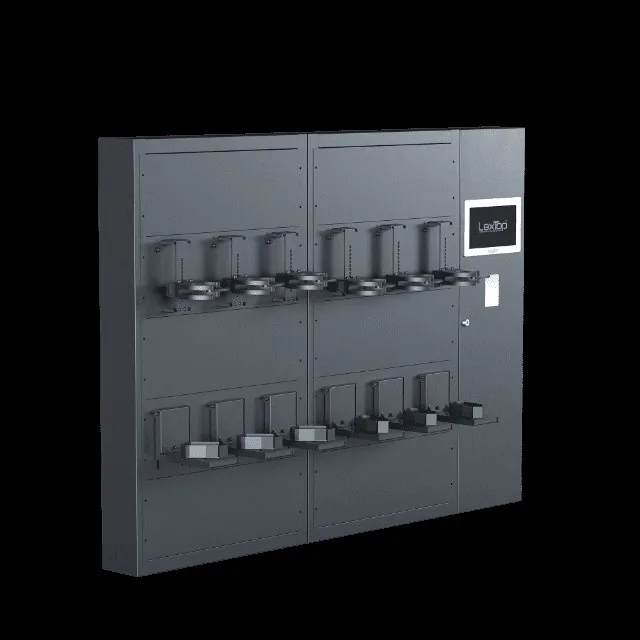
Weapon management
Closed weapon lockers and individual weapon locks for personal and collective weapons. Possible in a dedicated cabinet, a suitable weapon safe or as part of the fit-out of an armoury.
More about weapon management
Combined configurations
Key positions, lockers, miniboxes and weapon modules can work together within the same system. Each position keeps its own access rights, while users and administrators work with the same software.
View an example configuration
Additionally: RackSafe for installation in a server rack · Fire brigade key cabinet
Flexibly built around your use
Management on the cabinet and remotely
Employees use the touchscreen to select keys, compartments or weapons. As an administrator, you can also manage the system from your computer via a web browser. You do not need to install separate management software on your computer for this.
The web application runs on the computer in the cabinet itself and is accessible via your network. For management from another location, we agree the secure network access together with your IT manager.
Users, rights and availability
- Managing users and their access rights
- Set rights and periods of use per key or position
- Reserving keys and tracking their availability
- Searching events with filters
- Downloading the event log and database backups
- Set up notifications, for example when a key is returned late
This is how an administrator can follow the daily issue and adjust rights without having to go to the cabinet each time.
Registration and audit
Events are stored locally in the system. The event log records the action, the time, the user involved and the key or position. This allows you to track issue and return, and to consult data for internal checks and audits.
For the IQ software, LoxTop specifies 10,000 events that can be consulted on screen and a further 20,000 in the backup memory. For your chosen configuration, we confirm the log capacity and the arrangements for export and backups.
Working with other systems
Multiple cabinets can synchronise their data via the network. A link with your ERP or access control system is also possible. We work out the required data exchange together with your IT manager.
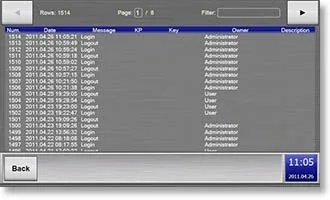
Who used which key or position, and when? The log brings together the registered actions and makes them searchable.
One management environment for the entire issue process
A service often needs more than just keys. With LoxTop, vehicle keys, radios, bodycams and weapons can be issued within the same management environment, with separate rights for each position.
The components can be installed in a combined configuration or in separate, linked cabinets. The physical layout follows the security requirements and the way your service works.
Example for police, customs or defence
- Vehicle keys: attached to RFID key holders with a seal. The system recognises the holder and logs the issue and return.
- Radios and bodycams: in locked lockers, optionally with a charging facility and content verification.
- Service weapons: in individual locked compartments or weapon locks.
- Collective weapons: in separately controlled weapon positions.
Also in a safe or secure room
For additional physical protection, we can integrate the modules into a suitable safe or fire-resistant safe, or incorporate them into the fit-out of an armoury, armoured room or strongroom.
Our own workshop and installation team handle the design and installation. Together, we look at the available space, operation, power supply, network connection and required security.
Operation and emergency provisions
Does LoxTop work without internet?
Yes. Logging in, checking access rights and logging operations take place locally. Daily use is therefore not dependent on the internet. Web management within your local network remains possible as long as that network is available. Functions that require the internet, such as email notifications, are not available during the interruption.
Can I manage the cabinet from another location?
Via the web interface you can manage the cabinet from a computer that has access to the installation's network. For access from an external location, we look together with your IT manager at how that connection can be set up securely.
What happens if the local network fails?
The cabinet continues to work with the locally stored users and rights. Web management from your computer and synchronisation between cabinets are possible again as soon as the network connection is restored.
What happens in the event of a power interruption?
An internal backup battery can temporarily take over operation. The autonomy available depends on the model, the connected modules and the load. We tailor the emergency provisions and procedure to the application.
Is there an emergency release?
The key modules have a secured emergency release. An authorised administrator activates it with a separate emergency key, after which the emergency button can release the positions. For lockers and weapon modules, we define the appropriate procedure, authorisations and subsequent checks.
Can we use our existing badges?
That depends on the type of badge and card reader. LoxTop supports various readers and can also be integrated with a suitable external card reader. We check compatibility in advance.
A set-up for your organisation
From a compact key cabinet to an integrated set-up with lockers and weapon management: we look at which combination suits your users, locations and security needs.