Electronic lockers and locker cabinets
Store radios, bodycams, tablets and other shared equipment securely and issue them in a controlled way. You determine who has access to which compartment; the system logs usage.
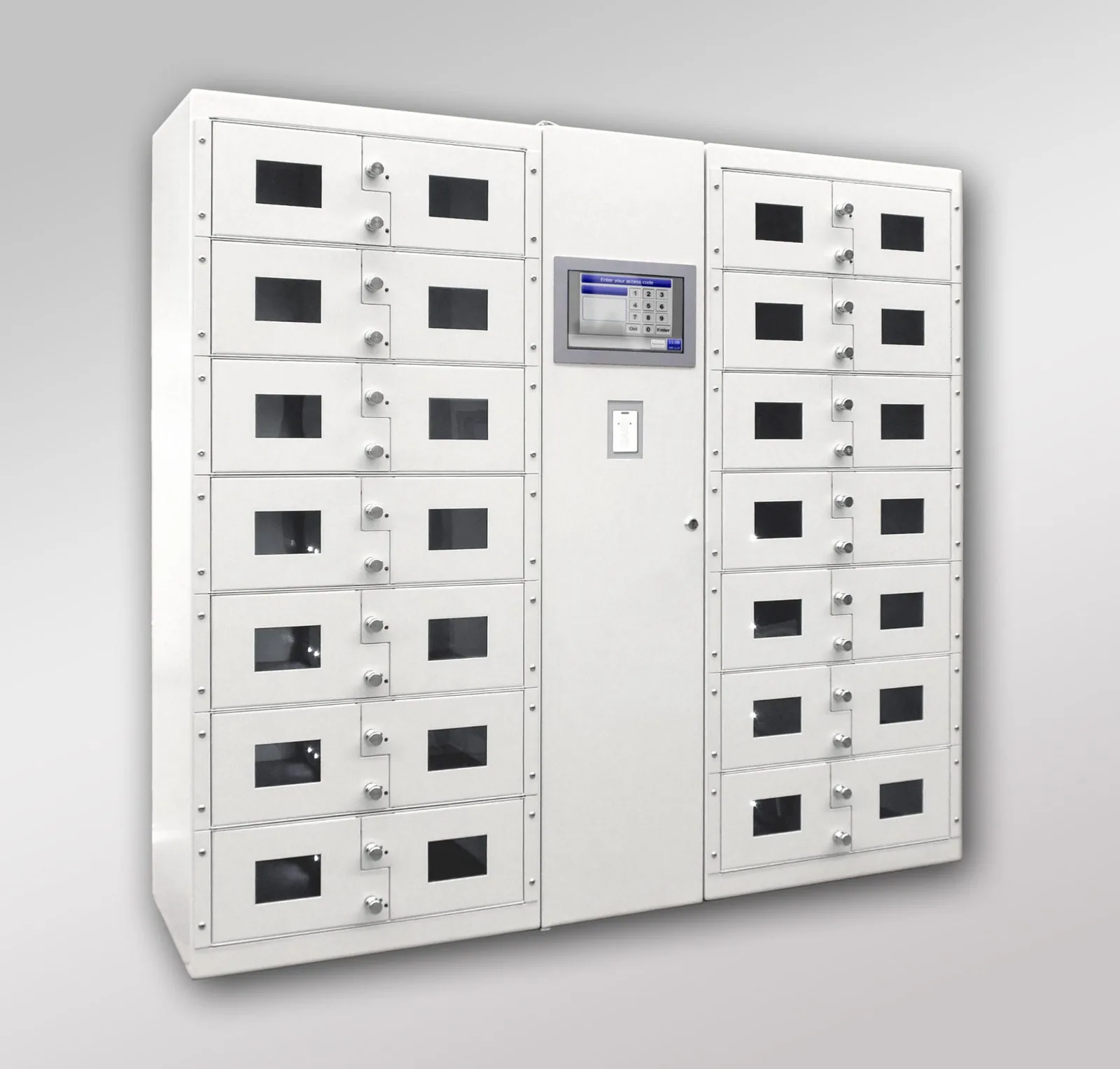
Shared equipment, clearly managed
Who took which radio? Who opened the compartment with the tablet? And was the device returned after the shift?
With electronic lockers, you organise issue and return from a single system. Employees log in at the cabinet and gain access to the compartments they are authorised to use. Openings and closings are registered, linked to the user and the time.
The lockers are part of the European LoxTop system. They can work stand-alone or be combined with key management and other storage modules. Optionally, you can add device recognition, weight check or charging facilities.
Locker cabinets with compartments that suit your equipment
A bodycam requires a different layout from a laptop or a case of measuring equipment. We therefore put together the compartment sizes, doors and any charging facilities around what you want to store.
LoxTop offers compartment modules in various heights, with one or two separate compartments per module. Small and larger compartments can be combined within the same configuration.
Together we look at how many devices you manage, how employees use them and what space is available. This produces a layout that fits the daily operation of your organisation.
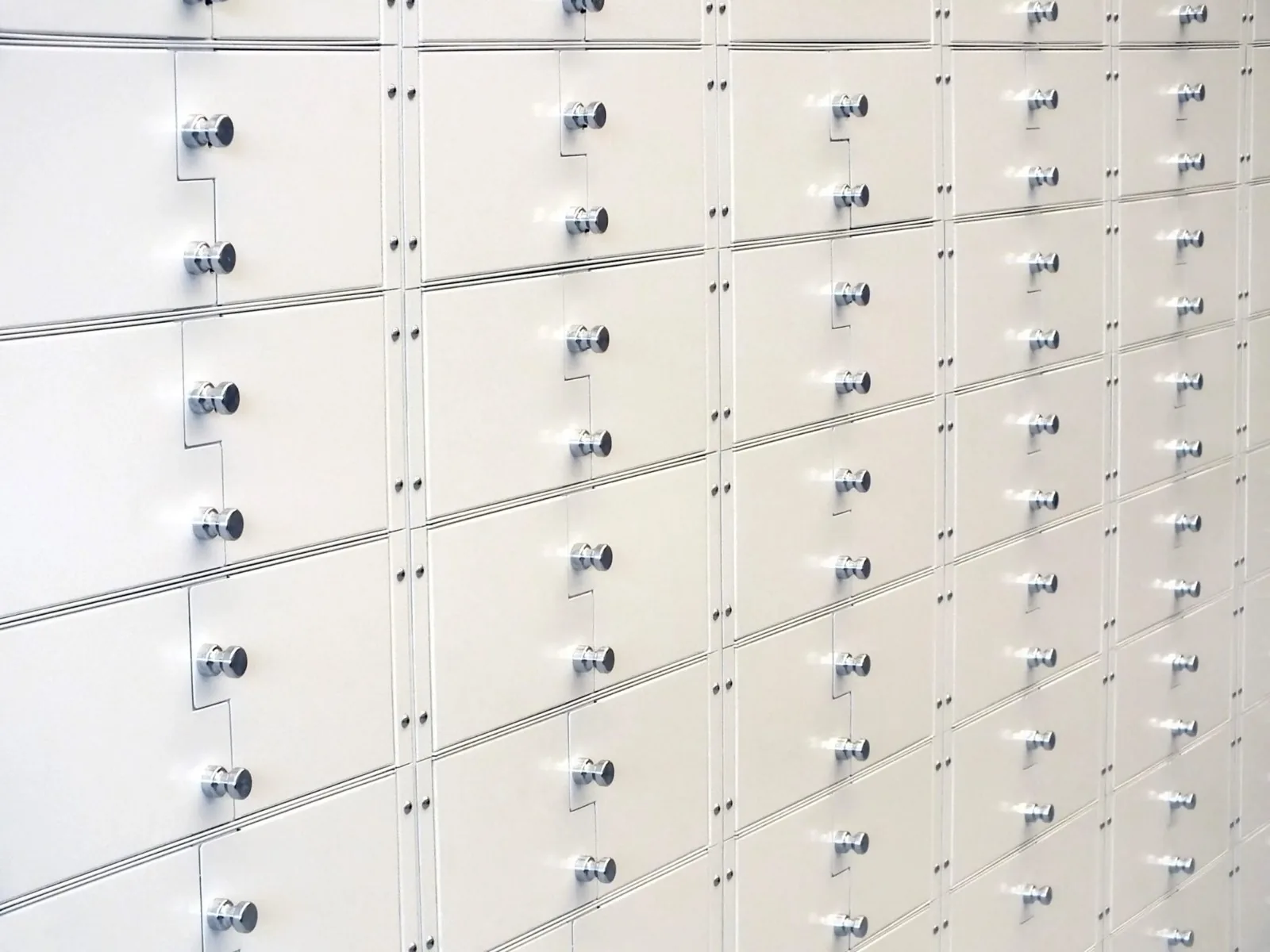
Separate compartments for compact items, with access rights per compartment.
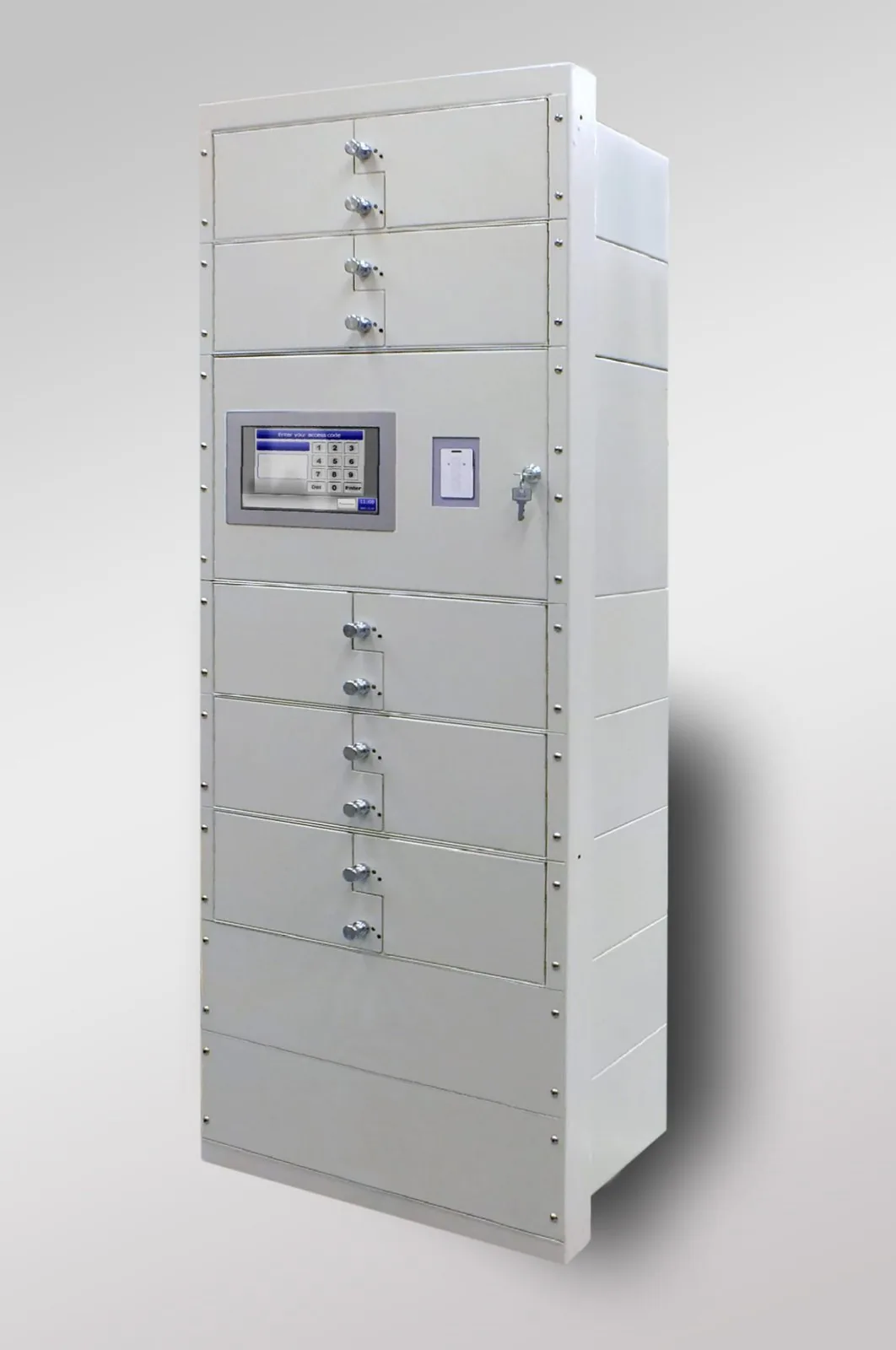
More space for larger devices or equipment. The usable dimensions and charging facilities are matched to the contents.
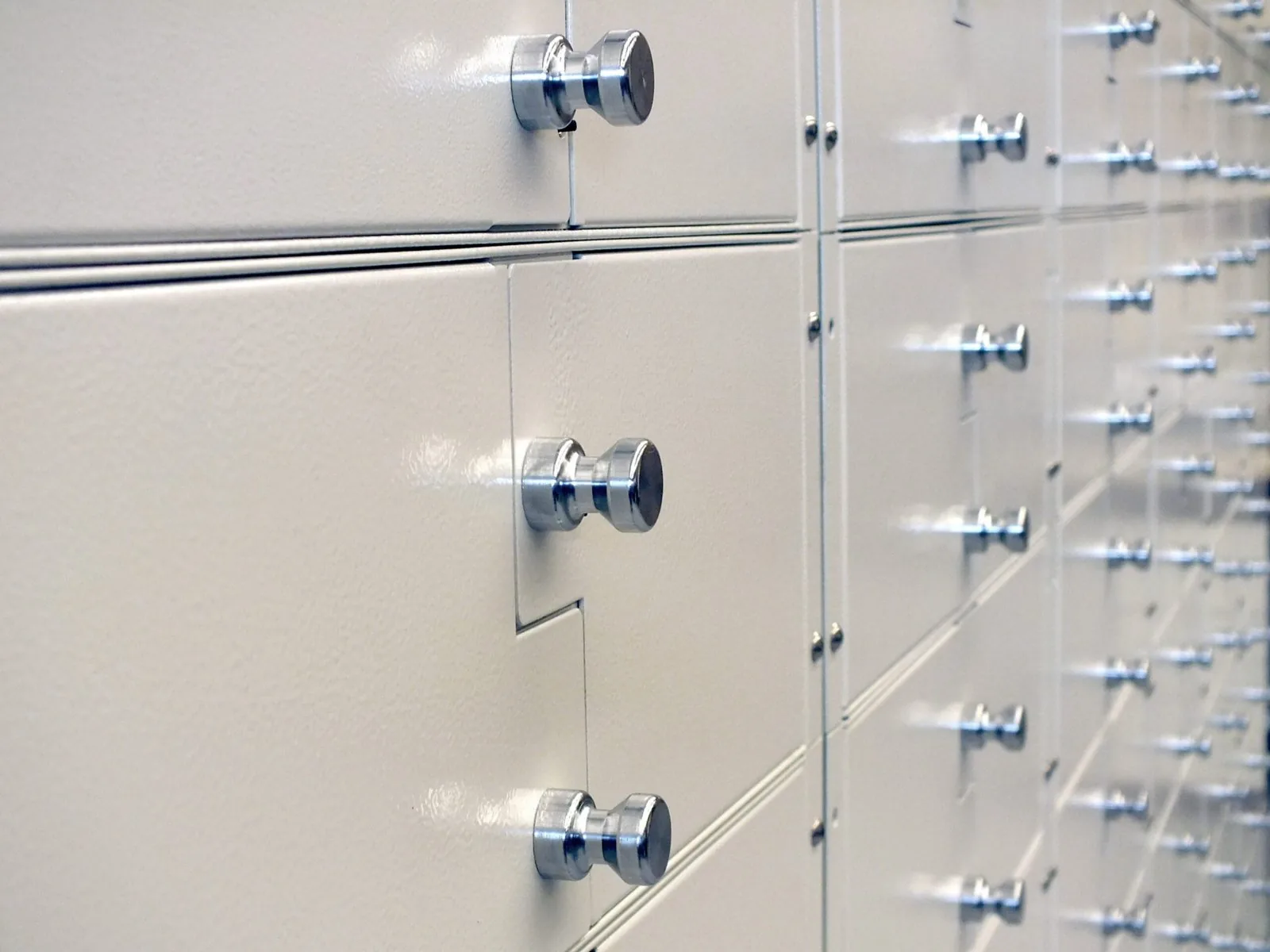
Each employee gets access to the permitted compartments. Other compartments remain locked.
Standard cabinets
Three cabinet sizes as a starting point; compartment sizes and layout are put together for each application.
| Model | Compartments (standard) | Width (mm) | Typical use |
|---|---|---|---|
| IQ 20 Box | 20 | 782 | Radios and bodycams of one team |
| IQ 40 Box | 40 | 1,132 | Police station, department, school |
| IQ 140 Box | 140 | 2,515 | Airport, prison, large campus |
How an employee uses the locker
- 1Log in
The employee identifies themselves with a badge or personal PIN code. A fingerprint reader or a combination of identification methods is possible, depending on the version.
- 2Choose a compartment
On the touchscreen, the employee gains access to the permitted compartments. The layout and access rights follow your way of working: for example per person, unit or type of equipment.
- 3Take the equipment
The chosen compartment is unlocked. The opening is registered in the employee's name. With optional RFID recognition, the device that was taken can also be identified.
- 4Return
The employee logs in again and stores the equipment. The system registers the use of the compartment. With the chosen content verification, it can also check which RFID tag is present or whether the measured weight matches the set value.
What the system does
- Access rights per compartment: per person, service or type of equipment
- Registration of every opening and closing, linked to user and time
- Optional RFID recognition of the device in the compartment
- Optional weight check: detect an empty compartment or a deviating weight
- Optional charging facilities, tailored to your devices
- Web management via the browser on your network, without installation
- Multiple cabinets linked via the network
- One-off, lifetime software licence
Technical data
The key data for your technical department or IT. Expand to view it.
Show the technical specifications
| Layout | Modular construction with various compartment sizes |
|---|---|
| Compartment heights | Internal heights of 79, 179, 279 or 379 mm for the standard modules described |
| Identification | RFID badge or PIN code; fingerprint and combinations depending on the model |
| Content verification | Optional RFID recognition or weight check |
| Charging facilities | Optional, tailored to the stored devices |
| Operation | Built-in computer with touchscreen |
| Management | Stand-alone or linked via the network; web management from a computer |
| Software licence | One-off lifetime licence, without annual software licence costs |
| Warranty | 4 years on the hardware |
Additional checks and charging facilities
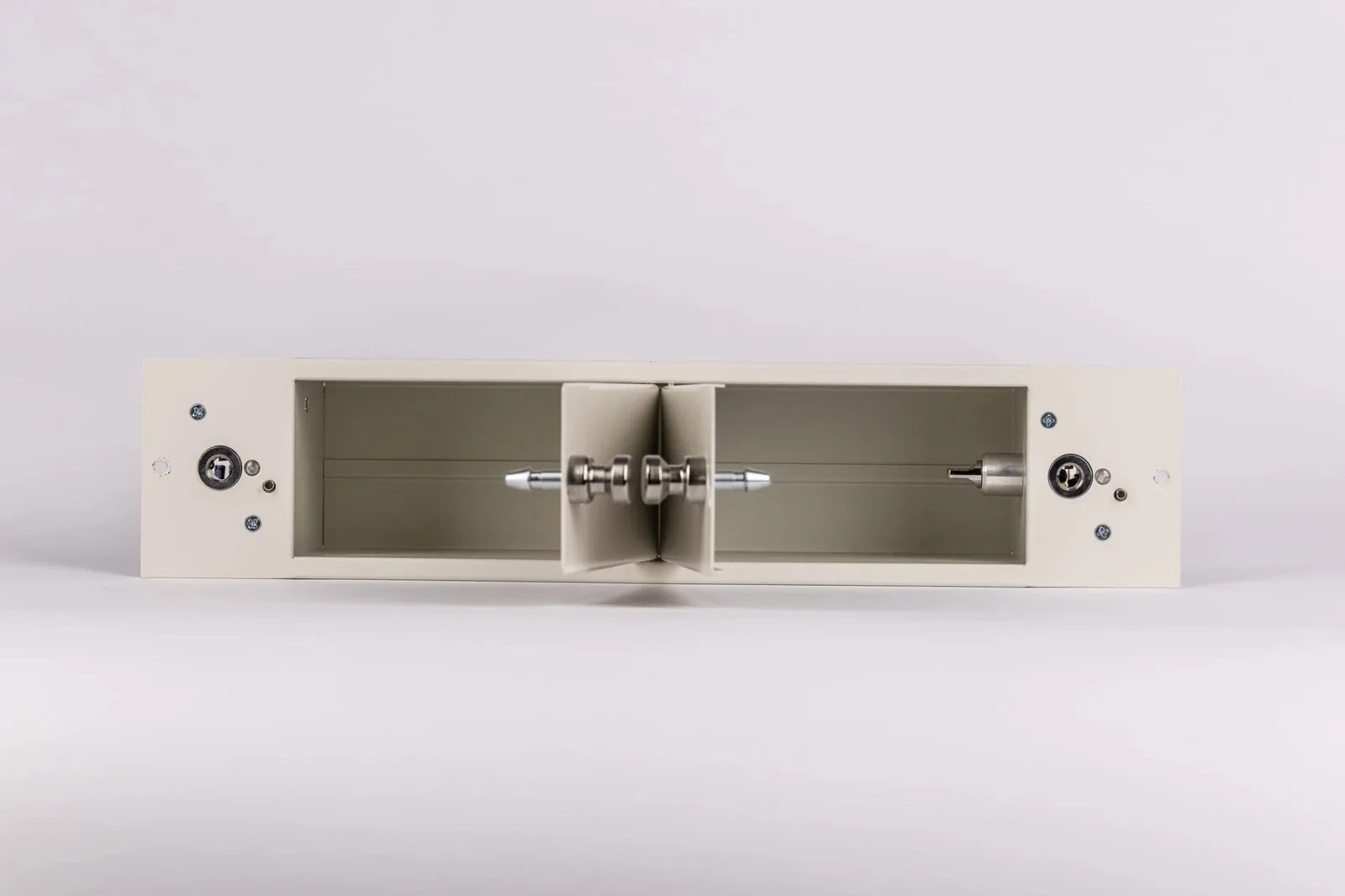
A tray in the compartment recognises the device's RFID tag or compares the weight of the contents with the set value.
Operation on the cabinet, management via the browser
The built-in computer handles operation, access rights and registration. Employees use the touchscreen; administrators can also manage the cabinet via a web browser on the local network.
You can add or remove users, adjust rights, and consult and download the event log. The web application runs on the cabinet itself, so you do not need to install a separate management programme on your computer.
Multiple cabinets can synchronise users, rights and events via the network. For management from another location, we coordinate network access with your IT manager.
One-off software licence
The LoxTop software comes with a one-off lifetime licence, with no annual licence fees. The hardware carries a 4-year warranty. Additional hardware, integrations and maintenance are agreed separately.
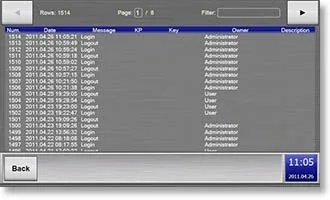
Every opening and closing with user, compartment and time; filter and download from the browser.
More possibilities with the same system
Your lockers can form part of a broader solution. Keys, compartments and other storage modules remain clearly managed, with access rights that match how they are used.
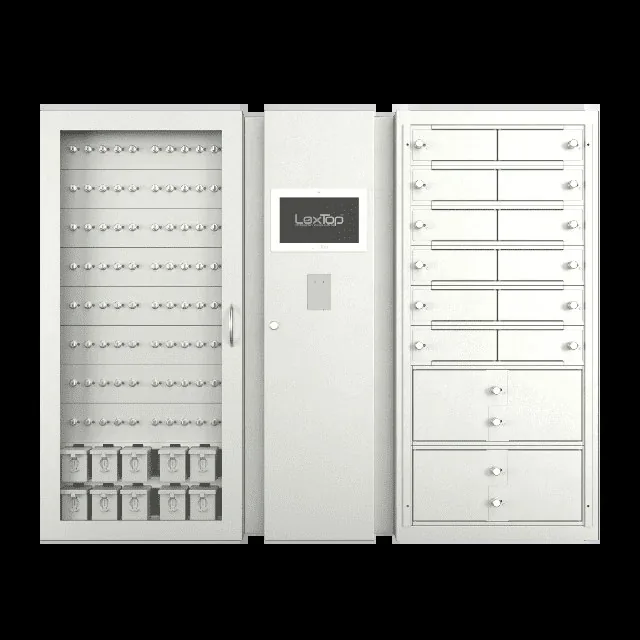
Combining lockers and key management
A radio from a locker and the vehicle key from an RFID key holder: both can be issued and followed up through the same management environment. Key modules and compartments can be housed in a single cabinet or in linked cabinets.
More about key management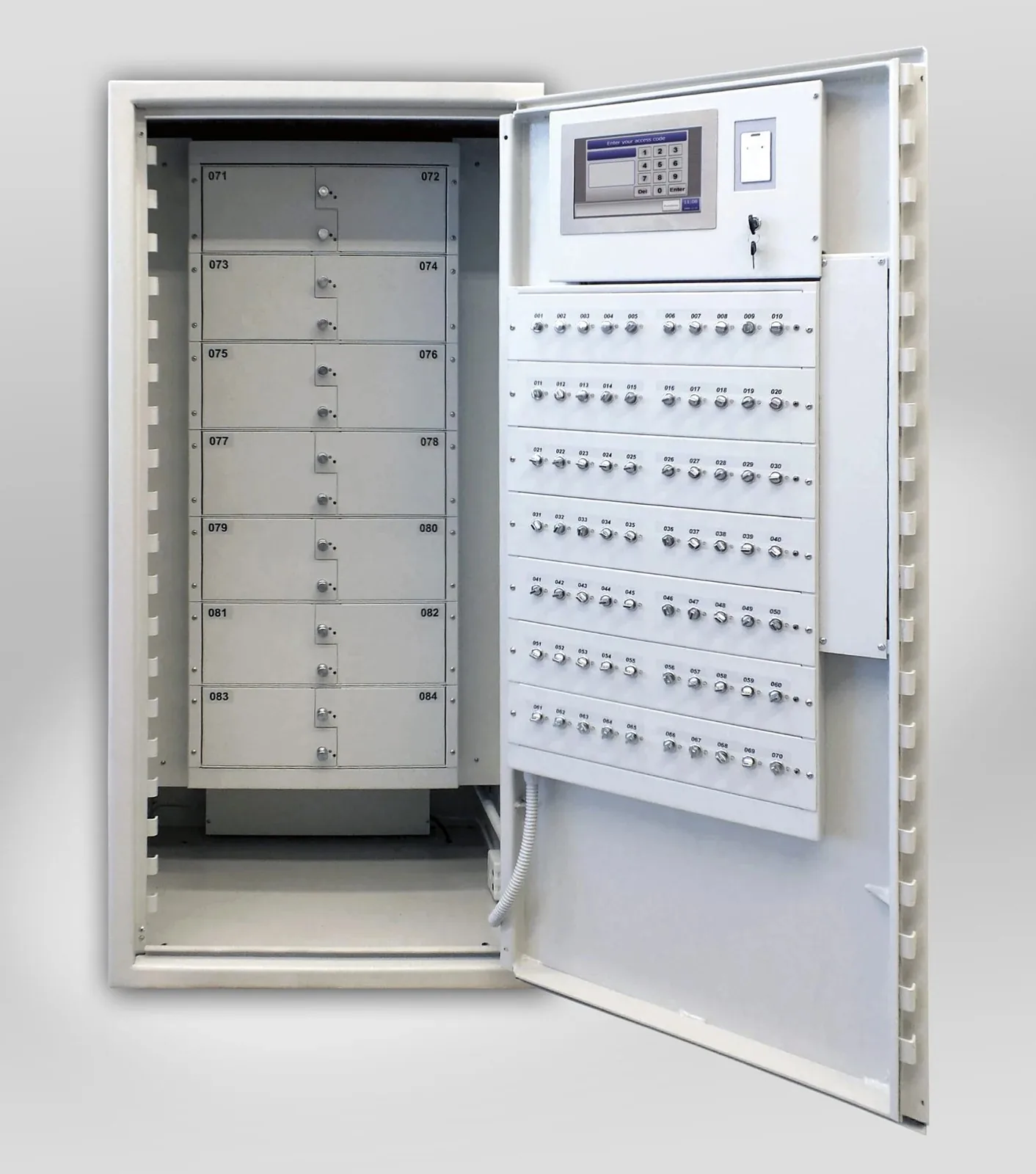
Integration in a safe or custom installation
When additional physical protection is required, suitable modules can be integrated into a safe, fire-resistant safe or a configuration in a secure room. Together we tailor the layout, access control and physical security to your project.
More about custom solutions and integration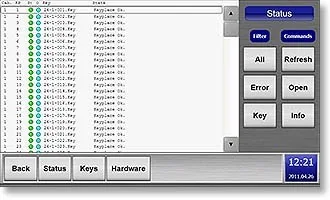
Managing multiple cabinets together
Spread the storage across different departments and manage users, rights and registrations via linked cabinets. The networked set-up grows with your organisation.
More about software and network managementWhere electronic lockers help
Police, customs and defence
Controlled issue of radios, bodycams and service equipment. Combine lockers with vehicle key management and, where necessary, weapon management within the same management environment.
Read moreJustice and prisons
Clear access rights for shared equipment and sensitive items. Registration helps to track issue, return and shift changes.
Read moreHospitals and healthcare
Making shared communication devices, tablets and other equipment accessible to the right employees. Charging facilities can be added for devices that need to recharge between uses.
Read moreEducation
Store laptops, tablets and other shared devices in an organised way and make them available to authorised users. The compartment layout depends on the number of devices and their dimensions.
Read moreFrequently asked questions
Does the system know whether a device has actually been returned?
A registered compartment opening or closing does not in itself confirm what is in the compartment. With optional RFID recognition, the system can recognise the tag on a specific device. A weighing platform can check whether the weight present matches the set value.
Can employees be given a personal compartment?
Yes. Access rights can be linked to a person, unit or group. We tailor the configuration to personal use or shared issue.
Can our existing badges be used?
This is often possible. We check the badge type used and the compatibility of the card reader. Integrating a different card reader can also be considered.
Does the cabinet work without internet?
Yes. Logging in, access control and logging take place locally in the cabinet. Web management and synchronisation between cabinets require a working network connection. For external access and any email notifications, the connection provided for that purpose is required.
What happens in the event of a power failure, and how does emergency access work?
An internal emergency battery can temporarily take over operation. The autonomy depends on the version and load. The emergency release depends on the cabinet and modules chosen. During installation, we establish how authorised administrators gain access and how an emergency opening is followed up.
Can the system check whether a device is working or charged?
RFID recognition and weight check provide information on the presence of an object. They do not automatically check operation or battery status. We agree a suitable checking procedure for that.
Further reading: Lockers with content verification · Key management in a government contract
See how it works in practice
During a demonstration, we show how employees log in, open a compartment and return equipment. You will also gain insight into the management of users, rights and registrations.