Software and integration
Manage users, access rights and registrations for keys, lockers and weapons. Via the touchscreen on the cabinet or from your computer on the network.
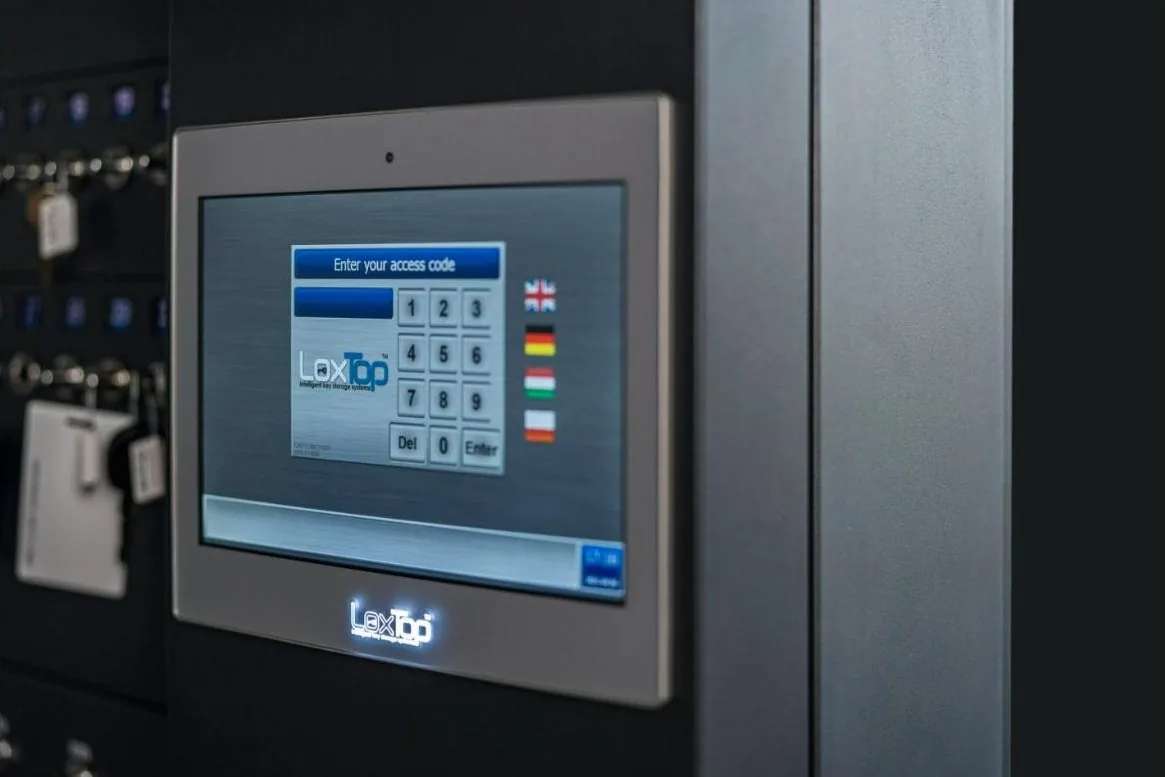
Overview and control from a single management environment
The LoxTop software connects daily operation with management. Employees identify themselves at the cabinet and are given access according to their rights. Administrators set those rights, monitor availability and consult the event log.
The software runs on the cabinet's built-in computer. Users, rights and registrations are stored locally. As a result, day-to-day operation can work independently, without an internet connection.
Via your local network you also gain access to the management environment from your computer.
Clear operation for employees
An employee logs in with a personal PIN code or RFID badge. A fingerprint reader or a combination of identification methods is possible, depending on the version.
On the touchscreen, the employee selects a permitted key position or a compartment. The software checks the rights and releases the position concerned.
With electronically tracked key positions, the screen shows availability. When a key has already been taken, the user can see who took it and when.
You manage the users and access rights
As an administrator, you can add users, change details, adjust access or delete a user.
You specify:
- Which key positions or compartments a person may use
- On which days and within which time windows access is possible
- Which users receive administrator rights
- Which keys or compartments are reserved
- Which available notifications and reports you want to use
This lets you adjust the system when employees change role, a temporary assignment ends or the way a unit operates changes.
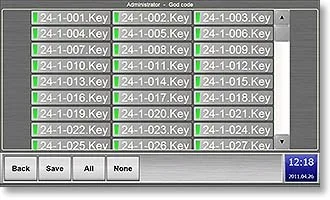
Set up and adjust access per user.
Organising shared keys and equipment
The software helps you organise the use of shared keys and equipment. You can view the current status of electronically tracked positions and can reserve keys or compartments.
Notifications can be set up for available events, for example when a key is not returned within the agreed period. The possibilities are tailored to the selected modules and configuration.
Reports support daily follow-up and make it easier to check usage afterwards.
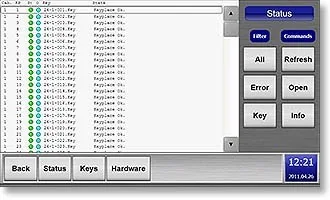
Current status of the electronically monitored positions.
Who did what, and when?
The log records events with the time, the user concerned and the associated position or description.
Depending on the version, removal, return, compartment opening and detected error notifications are logged, among other things. You can search specifically by user, key, event, description or date.
Which information is logged depends on what the module actually tracks. A compartment opening shows who accessed that compartment. Recognising a specific item requires suitable content recognition.
Where is the event log stored?
The registrations are stored locally on the cabinet's built-in computer. Via the web interface you can view and download the event log. You can also retrieve a database backup.
The software described by LoxTop offers:
- 10,000 events can be viewed on screen
- A further 20,000 events in the backup memory
The retention period depends on the number of events. For a longer history, we agree periodic exports and backups with your IT manager.
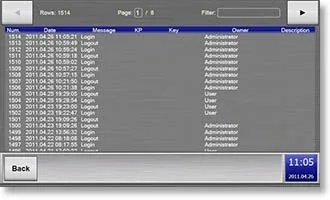
Find events by user, position and date.
Manage from your workstation
From a computer on your local network, you open the cabinet's web interface. This lets you manage users and rights, view registrations and download data. The web application runs on the cabinet itself: you do not need to install a separate management programme on your computer for this. For management from another location, the cabinet must be reachable via a suitable, secure network connection; this access is agreed with your IT manager.
One cabinet or several linked cabinets
Integration with your existing systems
Who administers, and from where
Your organisation decides who receives administrator rights and who may modify users, settings or registrations.
Network access is matched to your IT policy. We agree from which workstations or connections the management can be reached. When remote support is needed, we agree the access with your administrator or IT manager.
One-off, lifetime software licence
The LoxTop software is purchased once, with a lifetime licence and no annual licence fees. LoxTop gives a 4-year warranty on the hardware. Additional hardware, specific integrations and maintenance are agreed separately. So it is clear in advance what the proposed solution includes.
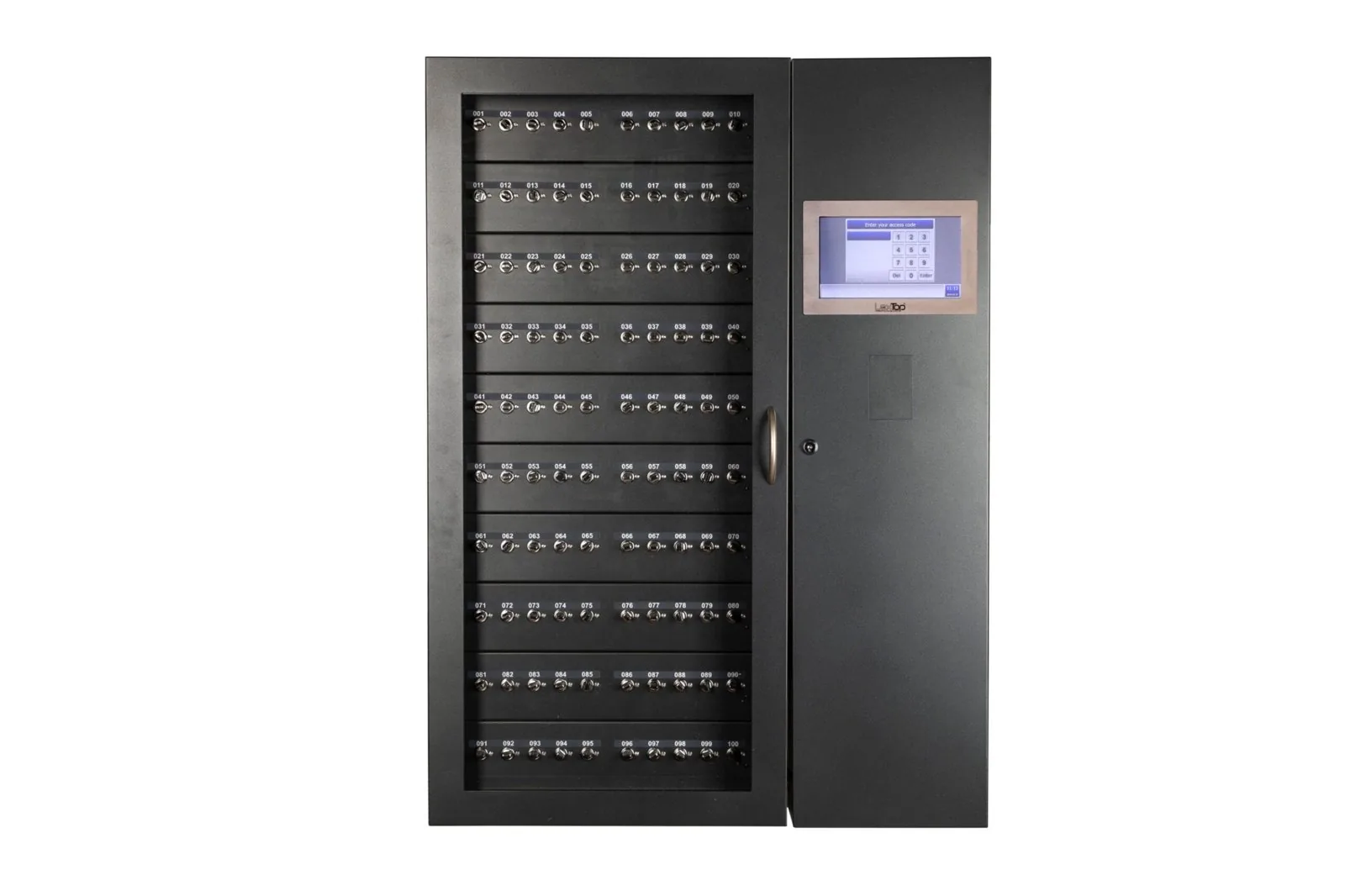
The user door and the computer module each have their own lock; the software runs inside.
For your IT department
Specifications of the IQ range as published by LoxTop. We confirm them per model and per project in the quote.
| Computer | Industrial PC in every cabinet: Intel Atom E3845 1.91 GHz, 4 GB DDR3 RAM; SSD/HDD plus external backup memory |
|---|---|
| Operating system | Windows 10 Embedded |
| Software | Software and web interface run on the cabinet itself; no separate server, no installation on your PCs |
| Network | 2 Ethernet interfaces, TCP/IP; also RS232 and USB. Stand-alone, connected to your LAN, or several cabinets synchronising in real time; no cloud platform required |
| Data | Users, rights and registrations stored locally (local and central database); event log and database backup downloadable |
| Event log | 10,000 events on screen, 20,000 more in the backup memory; 200 lines per page with filters |
| Integrations | Existing badges and card readers; documented interface for ERP integration based on XML and a web service; other links per project |
| Identification | PIN code; card reader Mifare 13.56 MHz or EM 125 kHz; fingerprint reader optional (USB or RS232) |
| Screen | TFT touchscreen 8.9" (IQ 200); 10.1" on larger models |
| Power supply | 230 V 50 Hz; 7 Ah backup battery, up to 45 minutes of operation (IQ 200) |
| Emergency release | Emergency key and emergency button, maximum 10 keys at a time; release via external input possible |
| Housing | Steel, powder coating; RAL 9002 or on request; computer module behind a separate mechanical lock |
| Licence | One-off, lifetime software licence; no annual software licence costs |
Encryption of the web management, password policy, update policy and port usage are requested in writing from LoxTop for each project and included in the technical file.
For whom
Government and local authorities
Align access rights with services and roles, with registration of the use of keys and compartments.
Read moreHospitals and healthcare
Adjusting users and rights to changing teams and monitoring the use of shared keys and equipment.
Read moreCar dealers, rental and fleets
View the availability of vehicle keys, manage reservations and track removal and return.
Read moreFacility management, real estate and airports
Organise access for employees and external parties, with rights for specific keys and times of use.
Read moreFrequently asked questions
Do we need to install a separate server?
Not for the standard configuration described. The cabinet has a built-in computer on which the software and web interface run.
Can we change users and rights remotely?
Yes, via the web interface you can add or remove users and change rights. From another location, a suitable, secure connection to your network is required.
What happens if the internet fails?
Daily operation at the cabinet remains possible locally. Functions that depend on an external connection, such as certain notifications or external access, do require that connection.
What if the local network fails?
The cabinet works with the locally stored users and rights and continues to log locally. Web management from your computer and synchronisation between cabinets require a working network connection.
Can we keep the registrations for longer?
Yes. Via the web interface you can download the event log and retrieve a database backup. For longer retention, we agree an export and backup procedure with your IT manager.
Is LoxTop the same management environment as MySafe?
MySafe is a separate platform with its own app and features. Both can be used in the same project, for example with LoxTop for internal issue and MySafe for managing the safe lock. Each has its own management environment.
See the software in action
During a demonstration, we show how you manage users and rights, view availability and find events in the event log.