MySafe
An app that releases or blocks a certified safe lock. Anyone with rights releases it in the app and types their code on the keypad. Anyone who no longer has rights gets no further than the first step. No server of your own, no software on your PCs.
The app is the first key, the code the second
A blocked MySafe lock does not open, not even with the correct code. Only after release in the app can the user on site type their personal code. This way you withdraw rights with a single tap, see every opening and attempt in the event log, and block a safe immediately in case of a lost code, the end of a contract or an incident. All safes at all sites are in the same app.
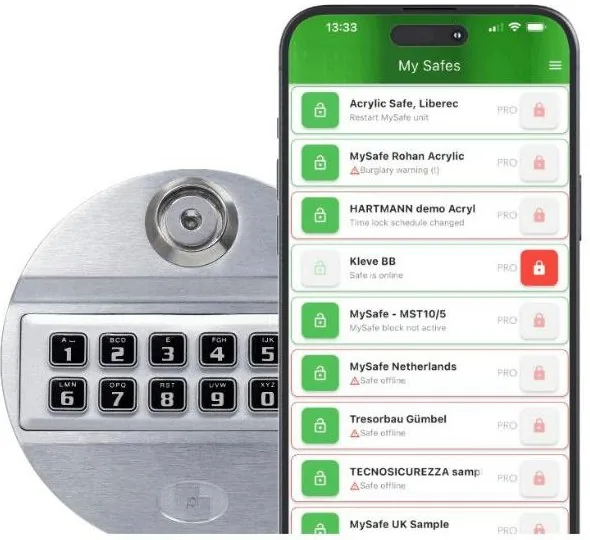
On the safe door. Each user has an individual code; you manage the rights in the app.
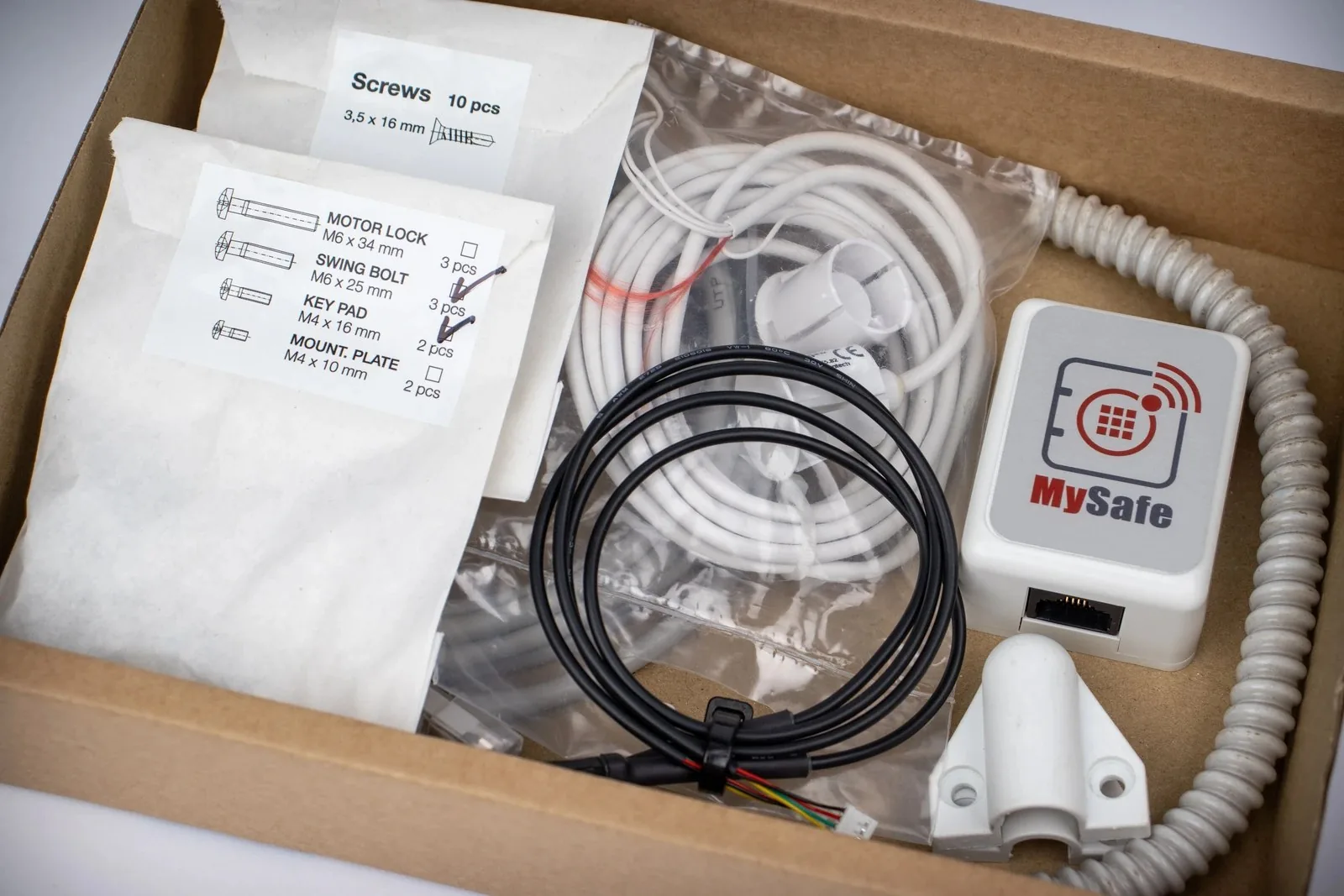
Behind the door, powered via the network cable. Sends every event on in encrypted form and receives releases and blocks.
What you see and do in the app
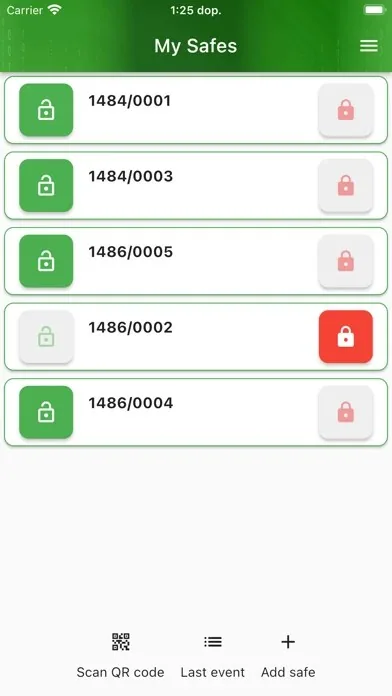
All safes in one overview: open, closed, blocked, online.
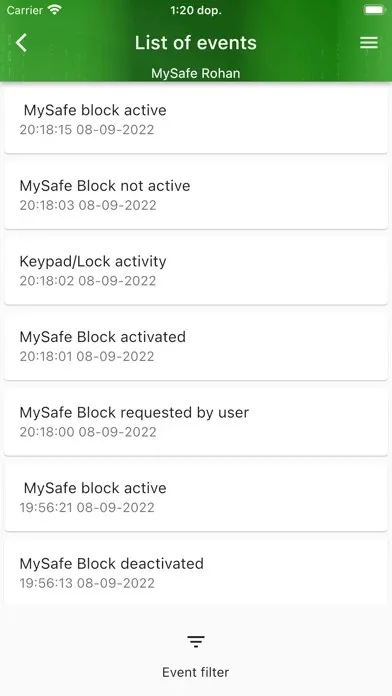
Every opening, incorrect code, block and release with time and user.
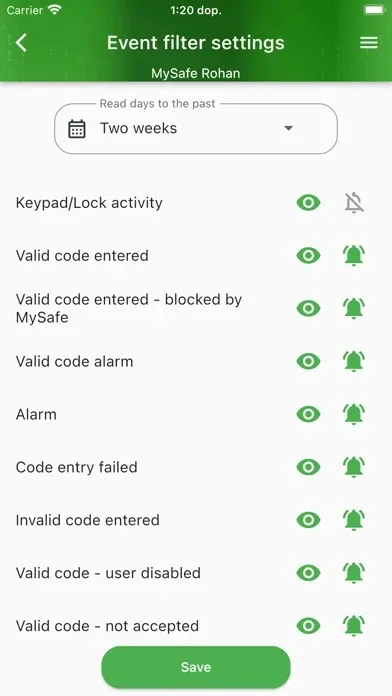
You choose for which events the app notifies you.
Screens of the MySafe app as published by the developer; display and functions differ per app version and package.
Three steps
- 1Release in the app
Whoever has rights releases the lock. Without rights the safe stays closed.
- 2Code on the keypad
The user types their personal code on the safe door.
- 3Open
The opening is recorded in the event log with name and time; after closing, the safe can automatically block again.
Functions
- Release or block a safe from the app, also remotely
- Time lock: outside the agreed hours the safe does not open, even with the correct code
- Time delay against hold-ups; silent alarm with a separate code
- Notification on opening, wrong code, silent alarm or abnormal temperature and humidity
- Own code and rights per employee, up to 49 users per safe; temporary code for a replacement
- Event log in the app and in the lock itself, exportable for audit; link with your alarm centre
Technical data
The key data for your technical department or IT. Expand to view it.
Show the technical specifications
| Lock | Pulse Pro (Tecnosicurezza), certified EN 1300 class B and UL Type 1; local audit memory in the lock |
|---|---|
| Codes | 1 administrator, 1 master code, 1 emergency code (ERC) and 49 users; blocked for 5 minutes after 4 incorrect codes |
| Communication unit | Between lock and keypad; Ethernet with encrypted connection (MQTTS); power via PoE (IEEE 802.3af) or injector |
| Connections | 2 relay outputs (alarm), door contact input, 3 inputs; temperature and humidity sensor |
| Emergency power | 9 V block battery against the keypad as emergency power for the lock; the status (released or blocked) remains in force, emergency code ERC separately |
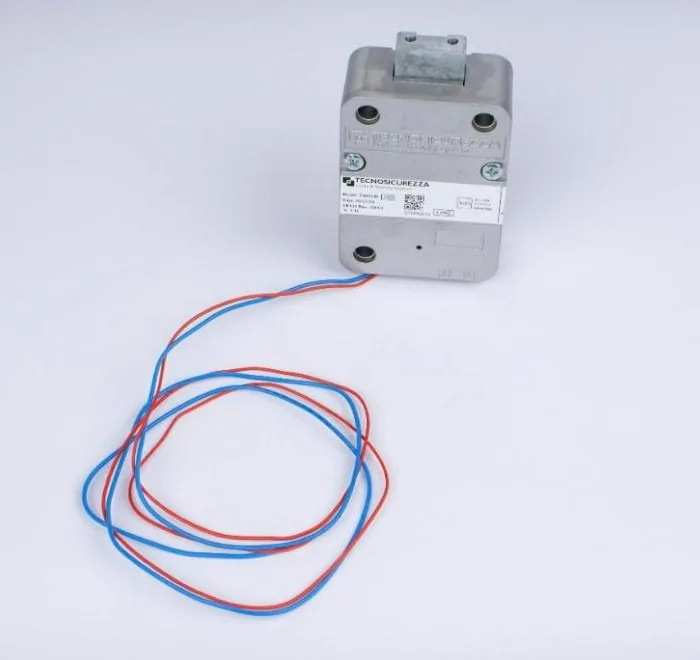
| Built-in installation | 6 mm cable feed-through in accordance with EN 1143-1; lock EN 1300 class B, suitable for safes up to and including class V (from class IV two locks) |
| App | iOS and Android. Basic (free): notifications, blocking, sensors, event list, user management. Basic+ (subscription per safe): time lock, time delay, auto-block, door/bolt alarm, export to PDF, history. Pro (subscription per safe): audit list and auto-block at high temperature |
| Safes | A new certified safe from our range, or conversion of your existing safe where the lock fits |
| Origin | European developer (Czech Republic); configuration by trained technicians |
Three ways to start
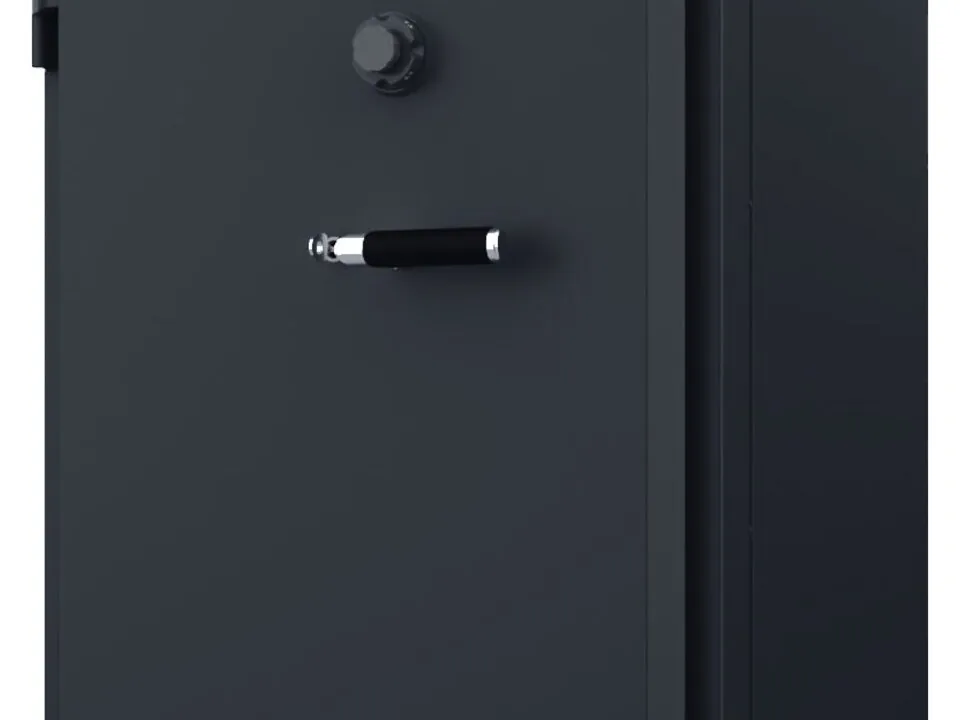
New safe with MySafe
A certified safe from our range, supplied with the lock fitted and linked. One delivery, one guarantee.
Request a proposal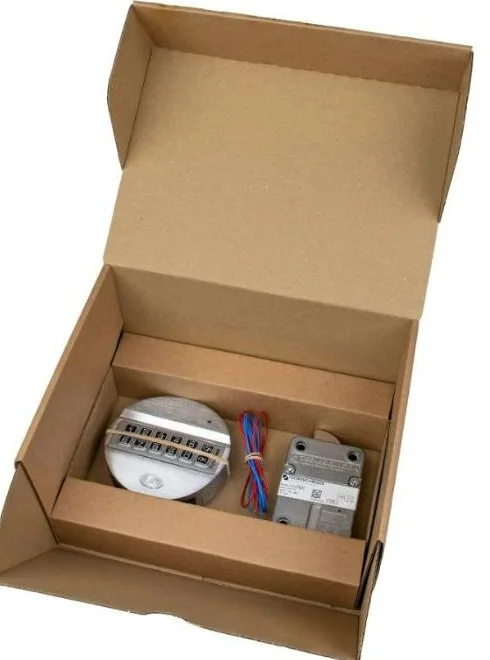
Converting your existing safe
If your safe fits a standard safe lock, we replace it on site with a MySafe lock. We assess this beforehand from a photo or on site.
Send us a photo of your safe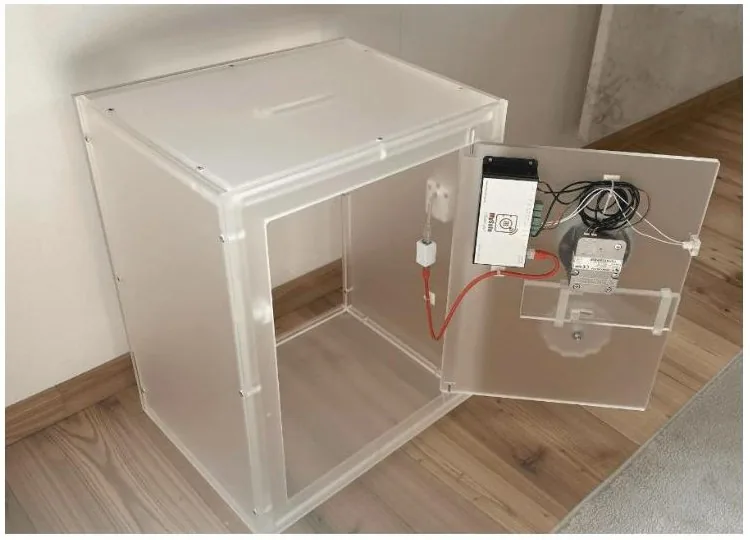
See how it works first
In our showroom there is a transparent demonstration safe: lock, communication unit and app at work. We also bring it to you.
Request a demonstrationSoon also doors, badges and sensors
MySafe is expanding the app into a single platform: alongside safe locks, door locks and sensors are coming, with identification via badge, managed in the same app.
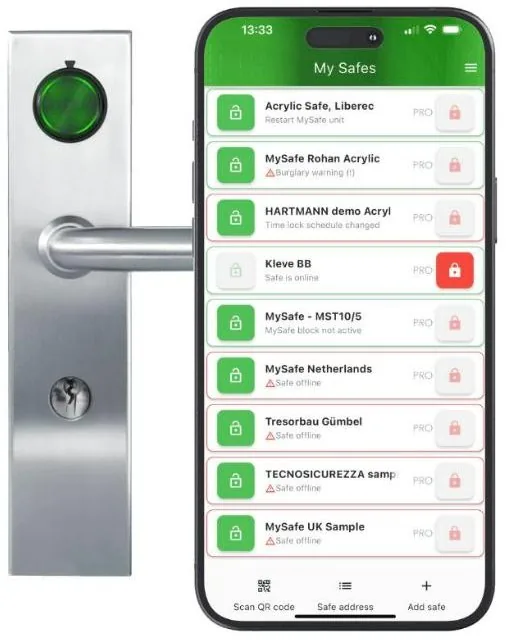
Door access with a badge, managed in the same app as the safes.
Frequently asked questions
Can I open the safe entirely remotely?
No. The app releases or blocks; the user enters their code on site. This way, someone is always responsible at the safe.
Does the safe work if the network fails?
A released lock opens with the code like an ordinary electronic safe lock. Release or block waits until the connection is restored. For emergencies, there is a separate emergency code.
What does it cost?
You buy the lock, keypad and communication unit as a one-off purchase; we fit them in a few hours. The basic app is free. For time lock, time delay, export and audit list you choose a subscription per safe: Basic+ (€2.99 per month or €29.90 per year) or Pro (€7.99 per month or €79.90 per year), manufacturer's rates at the time of writing.
Does the safe remain certified?
The lock is certified to EN 1300 class B and approved for safes up to and including class V (EN 1143-1); from class IV, two class B locks are required. On a new safe, we supply the certificate for lock and safe; for a conversion, we assess beforehand whether the safe allows it.
Does MySafe detect which item was taken from the safe?
No. The lock registers who opened the safe and when. If you want to know per item what was removed, combine MySafe on the door with LoxTop positions inside.
Who sees the data?
You and the users to whom you yourself give access. Axcor cannot see your safes, unless you temporarily add us for support.
See MySafe in action
Tell us how many safes you have and where; we will send you a proposal with lock, fitting and the suitable app package.