Choosing an electronic key cabinet: what to look for
A standard key cabinet stores keys. An electronic key cabinet determines who may take which key and records when it is returned. The right choice depends on your keys, your users and your network.
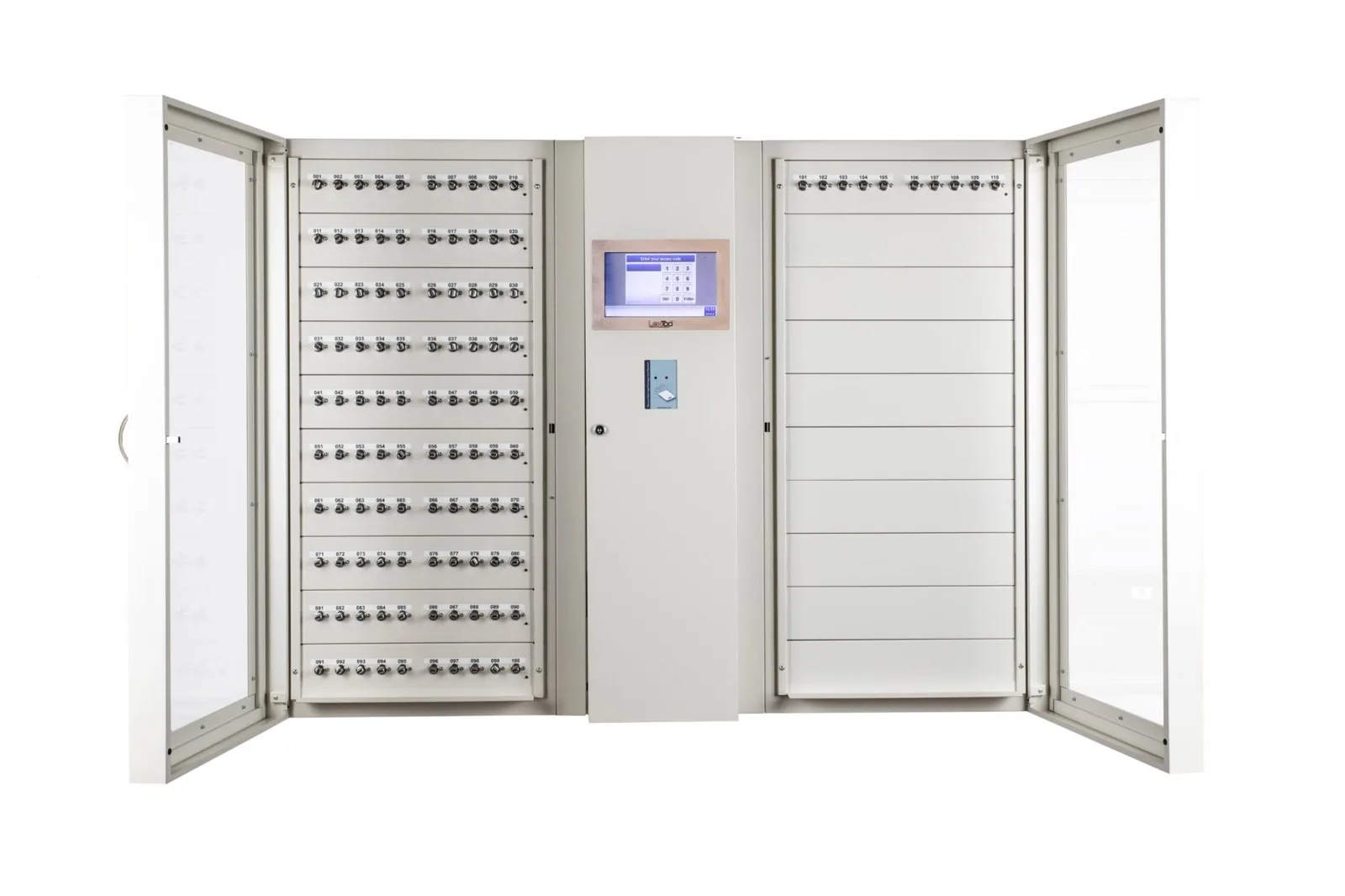
1. How many keys, and which ones?
Do not count only today's keys. A key management system lasts ten years or longer; allow room for new buildings, vehicles and services. LoxTop cabinets range from 10 to 520 positions per cabinet and can be linked.
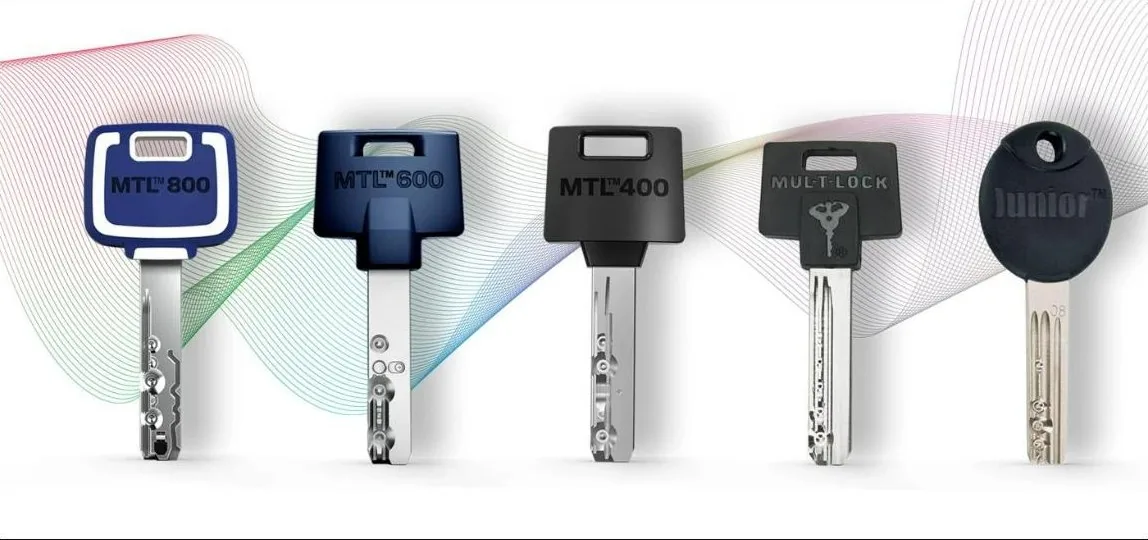
Also consider which type of keys you manage. Key bunches and vehicle keys go on an RFID key holder; individual mechanical keys can be secured in a cylinder position. Both can be in the same cabinet.
2. How do users log in?
Badge, PIN code, fingerprint or a combination. If you want to use existing staff badges, have the compatibility of badge and reader checked beforehand. For sensitive keys, a second identification (badge and code) can be set up.
3. Where is the data stored?
Some systems store users, rights and events in the cloud; others on the cabinet itself. For police, justice and organisations with a shielded network, this is a decisive criterion. Ask what happens in the event of a network or internet outage, and whether management via the local network is possible.
4. What is registered, and for how long?
The event log is the reason you buy an electronic key cabinet. Ask about the capacity, the export and the way in which you search for events. Note the distinction between recognising a key holder and checking the keys themselves: a cable seal makes detachment visible, but a cabinet recognises the holder, not each individual key.
5. Can the system grow with your needs?
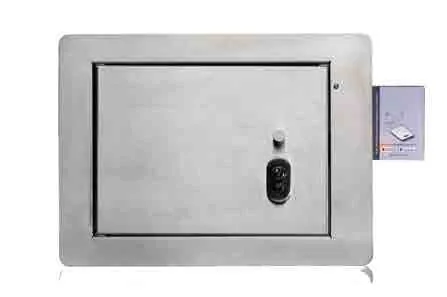
Lockers for radios and tablets, miniboxes, weapon modules or a built-in installation in a safe: if these are needed later, it helps if they fit into the same management system. Also ask about the licence: one-off or annual, per user, per position or per cabinet.
6. Who installs and maintains it?
A key cabinet is anchored, connected and configured. A supplier who does this themselves also knows the installation in the event of a later extension or fault. Ask about the response time, the availability of spare parts and whether the supplier can also provide the physical security (safe, gun cabinet, secure room).
In brief
Start with your keys and users, not with the cabinet. Choose a model that genuinely secures your keys, works within your network policy and can be extended later without new software. Have the system demonstrated with your own keys.
See also: Key management · The LoxTop system · Key cabinet models
Tell us what you want to manage
Describe your situation and you will receive a proposal with configuration and price. A demonstration at our premises in Brussels or at your site is also possible.